
I once stood in a hotel lobby in Chiang Mai at midnight, phone at 3%, no charger in sight, trying to find my Airbnb address before the front desk closed. That single night taught me more about packing smart than any travel blog ever did. I bought a power bank the next morning from a 7-Eleven, and I have never traveled without one since.
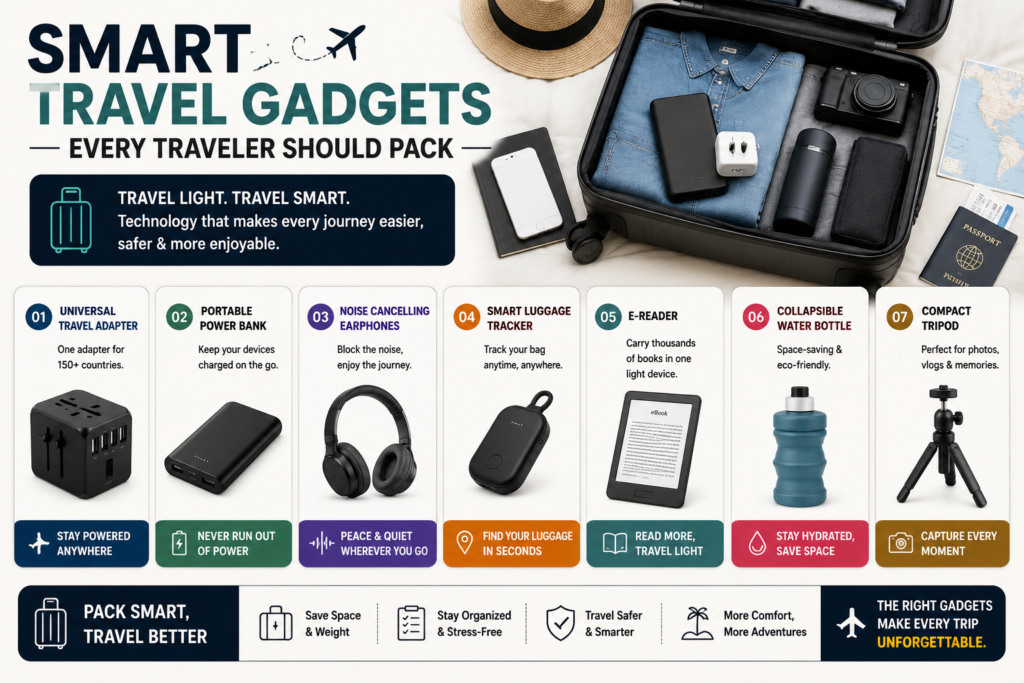
That trip changed how I pack. Not because I suddenly became a gear geek, but because I got tired of small problems turning into big headaches. A dead phone in an unfamiliar city is scary. A lost bag with no tracker is worse. So over the years, through a mix of trial, error, and a few wasted purchases, I built a small kit of gadgets that actually earn their space in my bag.
This isn’t a list of flashy tech you’ll use twice and forget. It’s the stuff that quietly makes trips smoother, safer, and a little less stressful. Let’s go through it the way I’d explain it to a friend packing for their first big trip.
Why Gadgets Matter More Than People Think
A lot of travelers assume packing smart just means rolling your clothes tighter or buying a better suitcase. Those things help, sure. But the gadgets you bring can actually change how your trip unfolds.
Think about it this way. A good power bank means you’re never stuck without maps. A universal adapter means you’re not begging a stranger to borrow their charger. A luggage tracker means you’re not standing at baggage claim having a small panic attack.
These aren’t luxuries anymore. They’re the kind of everyday tools that save time, money, and nerves when you’re far from home.
The Power Bank: Your Most Underrated Travel Companion
Let’s start here because honestly, this is the one gadget that has saved me the most times.
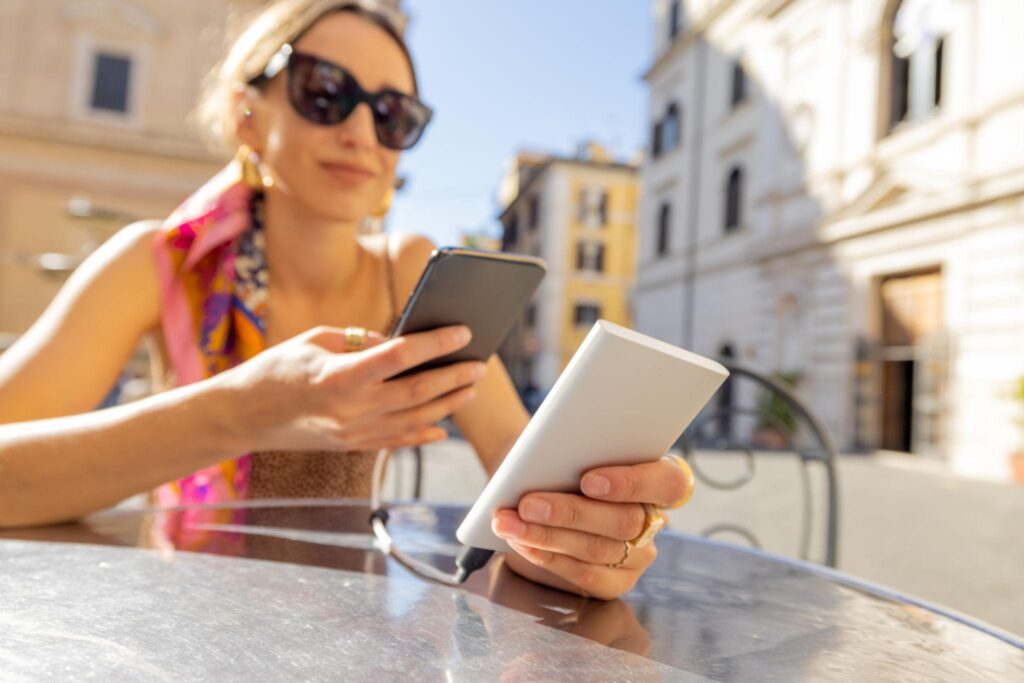
Phones die fast when you’re using GPS, taking photos, translating menus, and scrolling through train schedules all day. Add cold weather or an older phone battery into the mix, and you’re looking at maybe six or seven hours of real use.
I use an Anker PowerCore 10000, mostly because it’s small enough to fit in a jacket pocket but strong enough to charge my phone twice. Some travelers prefer bigger ones like the Anker 737 for longer trips, especially if they’re also charging tablets or cameras.
How to actually use it right
Here’s where a lot of people mess up, myself included in my early travel days:
- Charge it fully before you leave home, not the night before your flight.
- Keep it in your carry-on, never checked luggage. Airlines have strict rules about lithium batteries in checked bags.
- Charge your power bank alongside your phone at night so both are ready by morning.
- Buy one with at least two output ports if you’re traveling with a partner or friend.
I learned lesson two the hard way when a power bank got flagged during a bag check in Istanbul. The airport staff were polite about it, but I still had to unpack half my suitcase in front of a line of annoyed travelers. Not fun.
Universal Travel Adapter With Built-In USB Ports
I used to think a basic plug adapter was enough. Then I went to Portugal with an adapter that only handled the plug shape, not the voltage, and fried a hair straightener within two minutes. That was an expensive lesson.
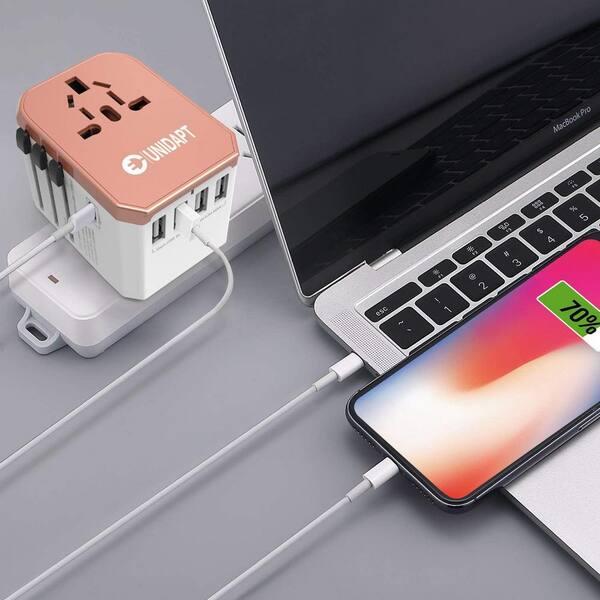
Now I only travel with an adapter that has built-in USB and USB-C ports. My current one is a Ceptics World Travel Adapter, and it lets me charge my phone, camera, and earbuds all from a single wall socket. No more fighting with roommates or family over the one working outlet in a hotel room.
If you’re someone who travels with multiple devices, this single gadget can save you from carrying three or four separate chargers.
Quick tip
Always check whether your destination uses 110V or 220V, and whether your device is dual voltage. Most phones and laptops are, but hair tools and small kitchen gadgets often aren’t. Check the label near the plug. It usually says something like “Input: 100-240V” if it’s safe for international use.
Bluetooth Luggage Trackers
This one felt unnecessary until it wasn’t.
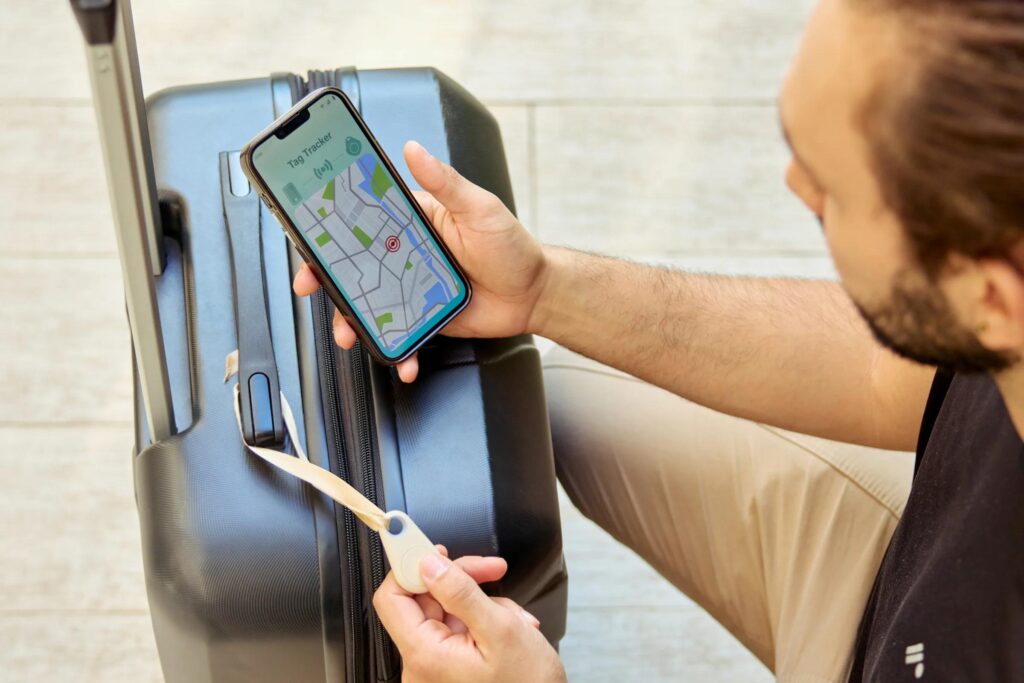
A friend of mine lost a checked bag on a connecting flight through Frankfurt. It took four days to get it back, and during that time she had no idea where it even was. She’s since started using an Apple AirTag tucked into a side pocket of her suitcase, and now she can literally see her bag’s last known location on her phone.
Samsung users have a similar option called the SmartTag. Both work using a network of nearby devices to ping location data, so you don’t need cellular service or Wi-Fi on the tracker itself.
Where to place it
Slip the tracker into an inside pocket rather than an outer one. It’s less likely to get removed accidentally, and it’s a bit more discreet if you’re worried about theft.
This isn’t about being paranoid. It’s about peace of mind. Knowing your bag is somewhere specific, rather than just “missing,” makes a stressful situation much easier to handle.
Noise Cancelling Earbuds or Headphones
I resisted buying noise cancelling headphones for years because I thought they were overpriced for what they do. Then I took a fourteen hour flight next to a crying toddler and changed my mind somewhere over the Pacific.
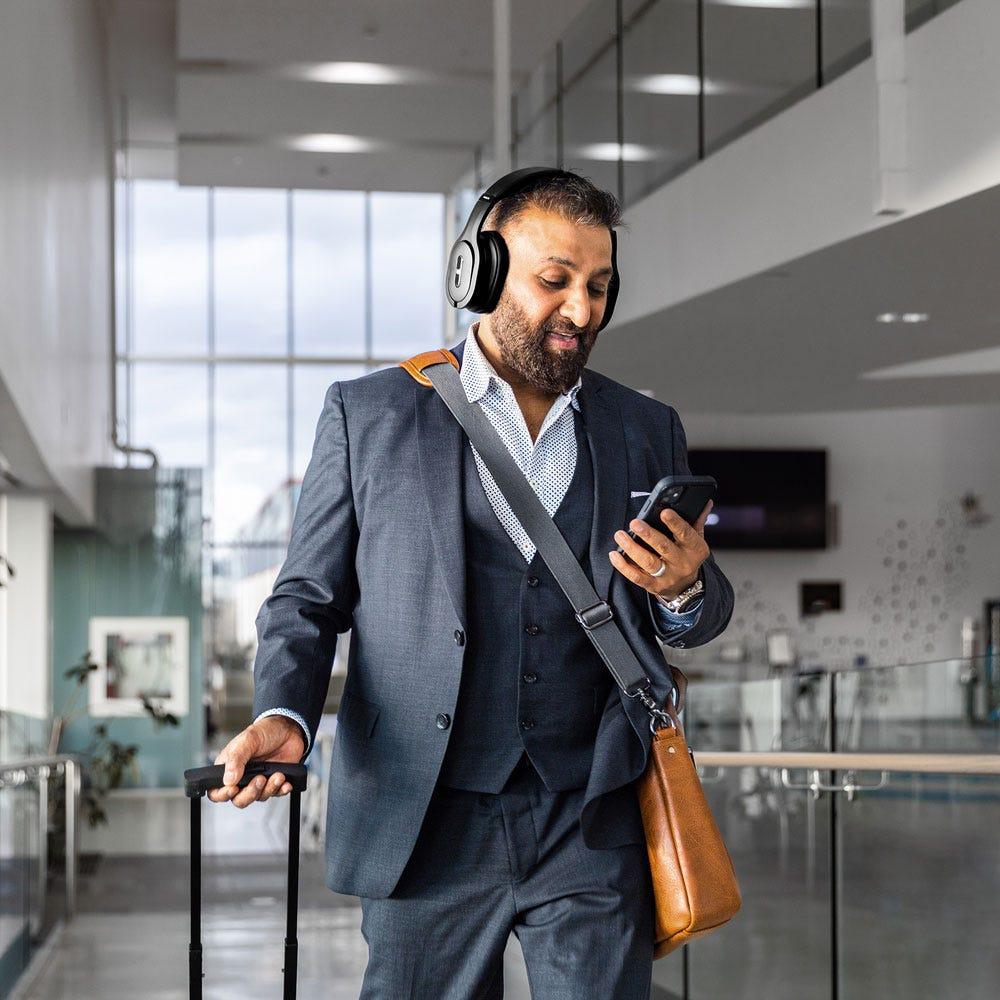
Good noise cancelling gear does two things. It blocks out engine hum and cabin noise, and it makes long flights feel shorter because you’re not fighting to hear your movie or podcast.
I switched between the Sony WH-1000XM5 for long flights, since they’re comfortable enough to wear for hours, and Bose QuietComfort earbuds for shorter trips where I don’t want a full headset taking up bag space.
If budget is tight, even mid-range options like the Anker Soundcore Life Q30 do a solid job for a fraction of the price.
A small mistake worth mentioning
Don’t buy noise cancelling headphones the night before a flight without testing them. I did this once with a cheaper brand and the ear cushions were so stiff that my ears actually hurt by hour three. Try them at home first, even if it’s just for an evening.
Portable Wi-Fi Device or Local eSIM
Getting online abroad used to mean either paying painful roaming fees or hunting for café Wi-Fi like a stray cat looking for scraps.
These days, I mostly use an eSIM through Airalo, which lets me buy data plans for specific countries directly from an app, no physical SIM card needed. It’s saved me from those awkward moments of standing outside a phone shop trying to explain what I need in a language I don’t speak.
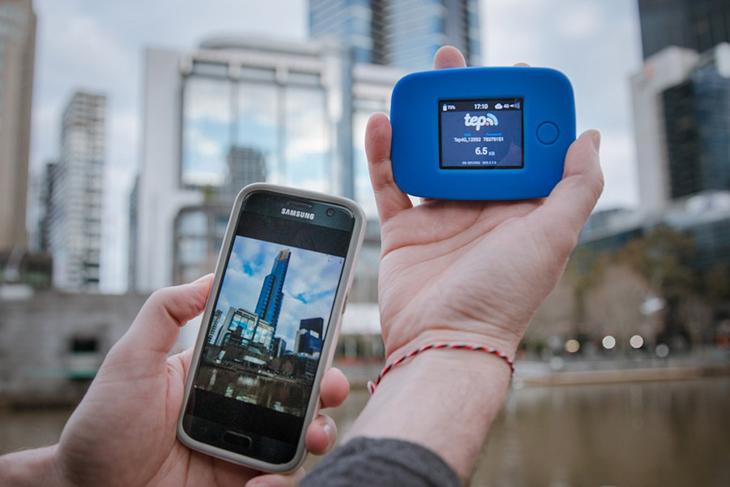
For group trips, a portable Wi-Fi device like a Skyroam Solis or a local pocket router can be more cost effective since everyone can connect to one hotspot instead of buying individual data plans.
Which one should you pick
If you’re traveling solo, an eSIM is usually simpler and cheaper. If you’re traveling with three or more people, a shared hotspot device often works out better financially.
Either way, always download offline maps as a backup. Google Maps lets you save regions offline for free, and it’s saved me more than once when signal disappeared in rural areas.
Compact Travel Camera or Action Cam
Phone cameras have gotten impressively good, but there’s still a place for a dedicated camera, especially if you’re into hiking, diving, or anything with a lot of movement.
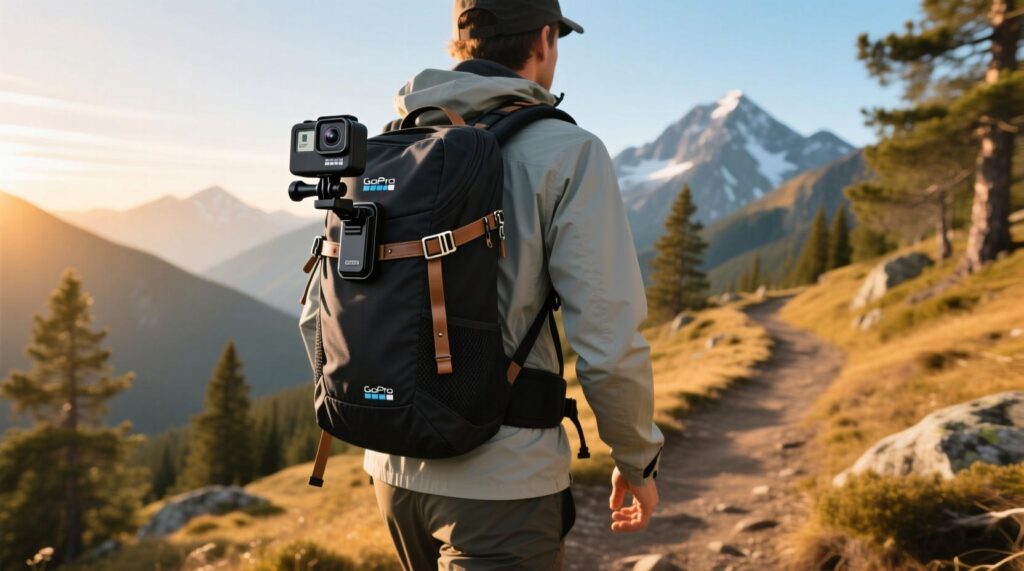
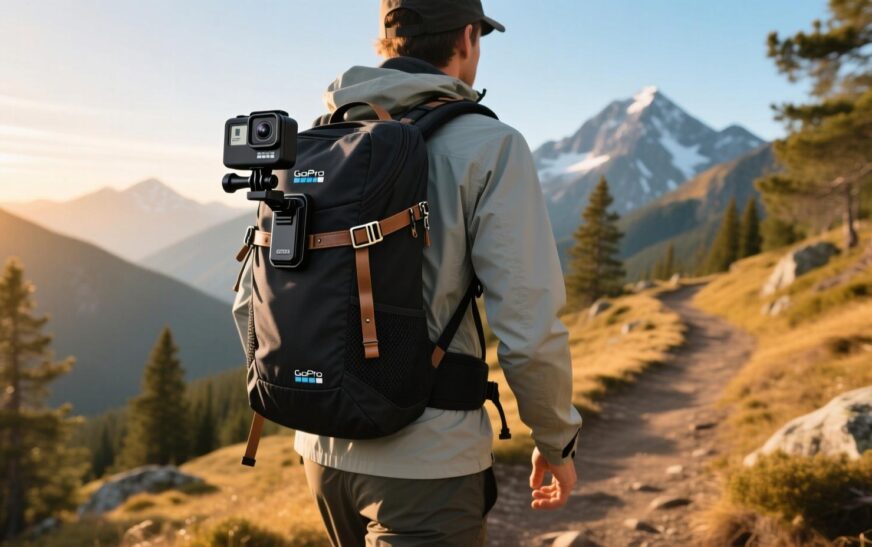
I carry a GoPro Hero for anything active, mostly because it’s waterproof and small enough to clip onto a backpack strap. For everyday photos, my phone still does most of the work, but for underwater shots or shaky hiking trails, nothing beats a proper action cam.
If photography is more of a hobby for you, a compact mirrorless camera like the Sony ZV-1 offers better image quality without the bulk of a full DSLR setup.
Something people often forget
Extra memory cards. Nothing ruins a good travel day faster than running out of storage mid-hike. I now carry at least two spare SD cards, stored in a small waterproof case, after learning this the hard way in Iceland.
Smart Padlocks
This might sound like overkill, but hear me out.
Traditional key locks are easy to lose the keys for, and combination locks can be slow to fumble with when you’re rushing through an airport. I switched to a Bluetooth smart lock, the kind that opens with your phone or a fingerprint, and it’s genuinely made getting through security checks faster.
Some models also have TSA-approved features, meaning airport security can open them with a master key if needed, without cutting your lock off.
It’s a small change, but small changes add up when you’re moving through five airports in ten days.
Reusable Smart Water Bottle
I know this one sounds basic, but hear me out here too.

Bottles like the HidrateSpark track how much water you’re drinking through an app, which sounds unnecessary until you realize how easy it is to get dehydrated on long flights or hot city walks. I didn’t take hydration seriously until a rough bout of jet lag in Tokyo that turned out to be mostly dehydration in disguise.
Now I bring a smart bottle with a built-in filter, like a LARQ bottle, especially in countries where tap water isn’t reliably safe to drink. It’s saved me money on buying plastic water bottles everywhere too.
Common Mistakes Travelers Make With Gadgets
Let’s talk about what not to do, because I’ve made most of these mistakes myself.
Overpacking gadgets you’ll never use. I once packed a portable projector for a two week trip and used it exactly zero times. Be honest about what you’ll actually reach for.
Forgetting to update devices before leaving. Software updates mid-trip can eat through data and battery. Update everything the night before you fly.
Not testing gear beforehand. Whether it’s headphones, a camera, or a smart lock, test it at home first. Airports and hotel rooms are not the place to figure out how something works.
Ignoring weight limits. Gadgets add up quickly. A power bank, camera, headphones, and adapter can easily add a kilogram or more to your carry-on. Weigh your bag before you leave.
Skipping travel insurance for expensive gear. If you’re bringing a camera or laptop worth a lot of money, check whether your travel insurance covers electronics. Mine didn’t the first time, and I found out only after a lens got damaged in transit.
Building Your Own Travel Tech Kit
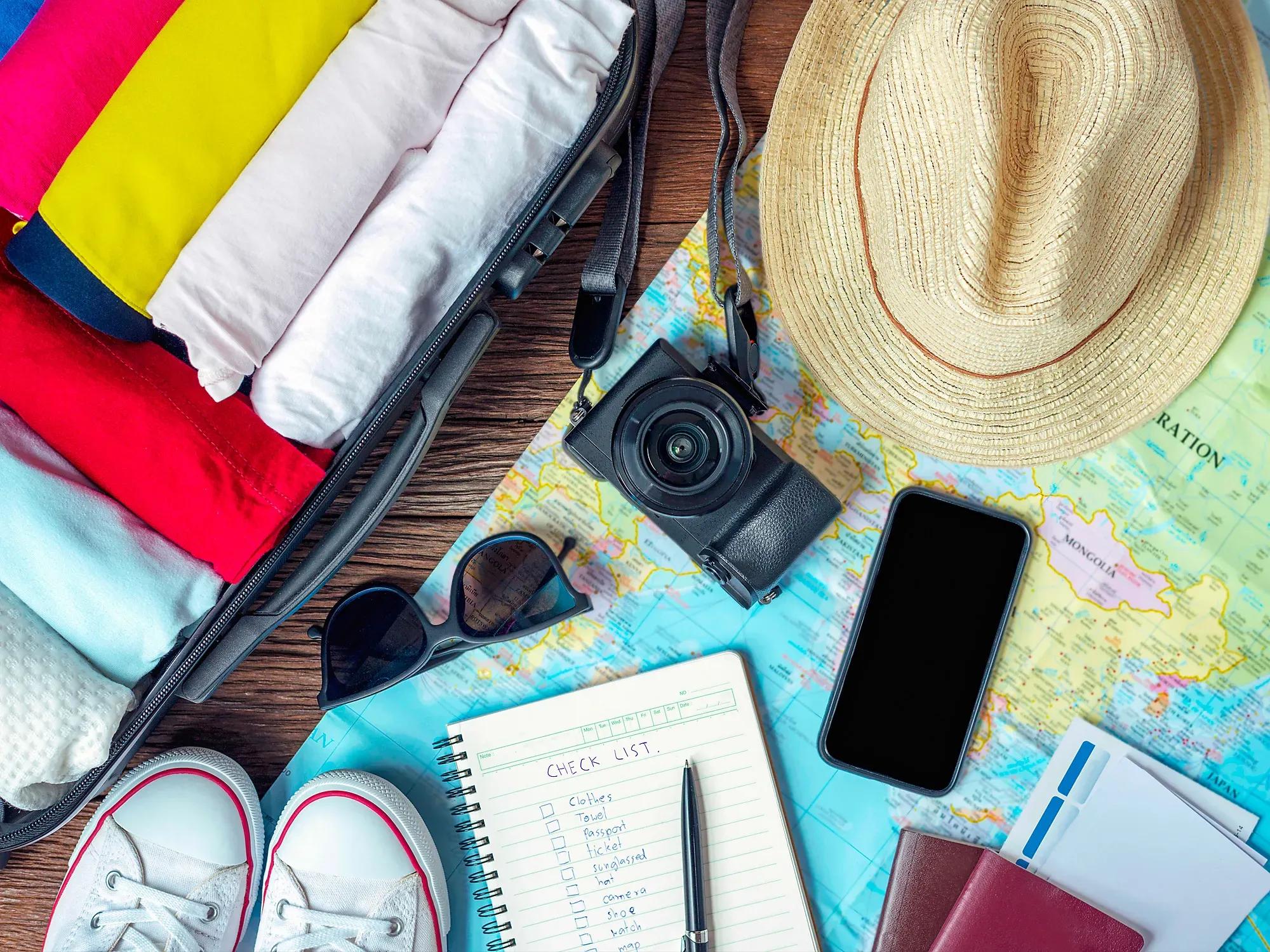
Everyone’s needs are different, so instead of copying someone else’s exact packing list, think through your actual trip.
Ask yourself a few simple questions before you pack:
- Will I be somewhere with unreliable Wi-Fi?
- Am I doing anything active where a phone camera won’t cut it?
- How many devices will I realistically need to charge each day?
- Is this a solo trip or a group trip?
Answering these honestly will tell you more about what to pack than any generic gadget list, including this one.
Final Thoughts
None of these gadgets are magic. They won’t make flight delays disappear or guarantee a perfect trip. What they do is remove small annoyances that can otherwise pile up and ruin an otherwise good day.
I think back to that night in Chiang Mai often, phone dead, feeling more lost than I needed to be. These days, my bag is a little heavier, but my trips are noticeably smoother because of it.
Pack what actually fits how you travel, test things before you leave, and don’t be afraid to learn a few lessons along the way. Some of the best travel habits come from the mistakes that annoyed you enough to fix them.